Adjust on the fly
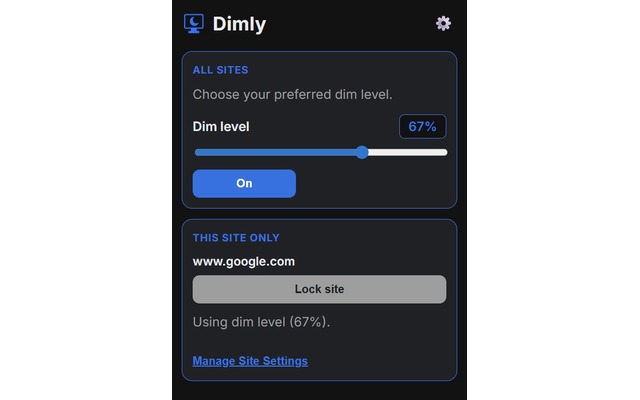
Slide to the perfect dim level right from the browser toolbar and Dimly remembers your last setting.
Screen dimmer for Chrome
Dimly adds a controllable overlay to every tab so you can soften harsh light, keep contrast dialled in, and stay focused long after sunset.
Why Dimly?
Dimly is purpose-built for eye comfort. Tune your screen brightness without touching system settings and stay focused longer.
Slide to the perfect dim level right from the browser toolbar and Dimly remembers your last setting.
Create presets for reading, coding, or movie nights and switch between them instantly.
Fade distractions with customizable dimming that keeps the content you care about front and center.
Dial in a gentler overlay for late-night browsing and keep harsh glare at bay while you wind down.
See Dimly in action
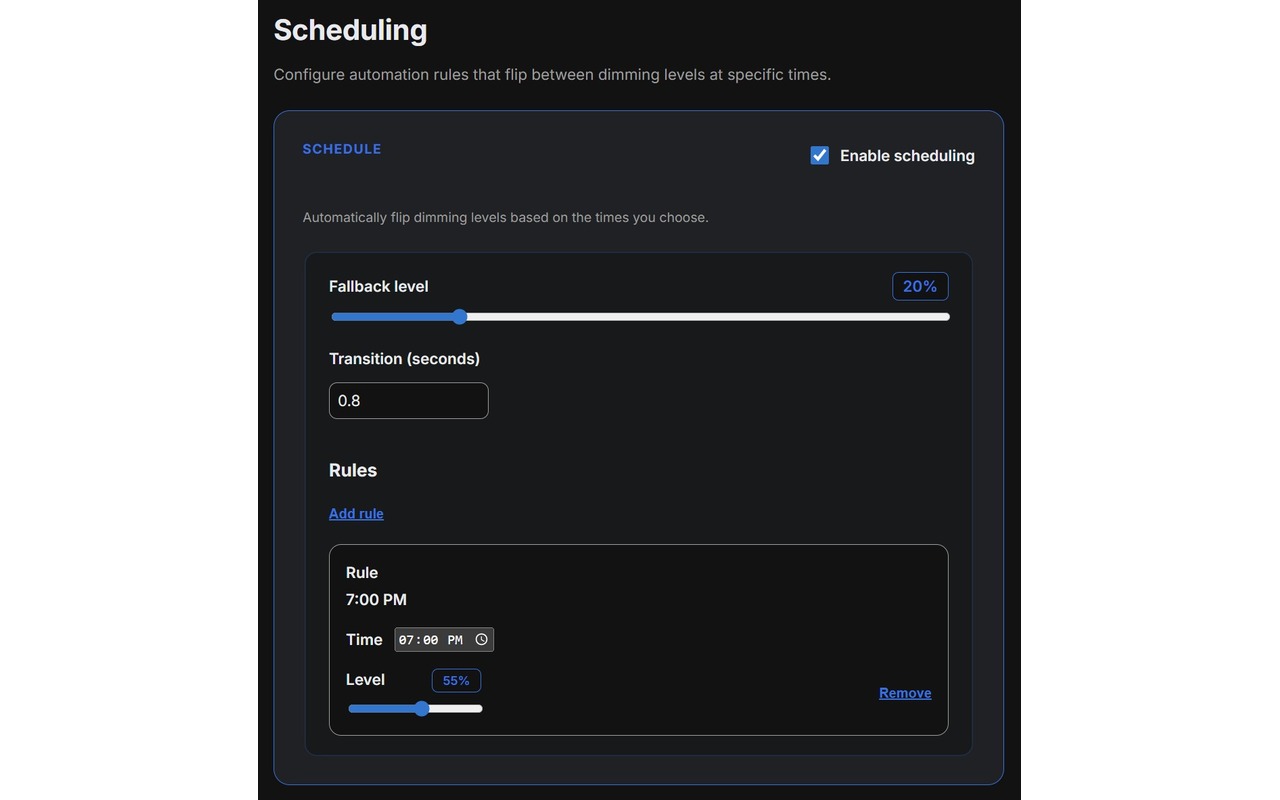
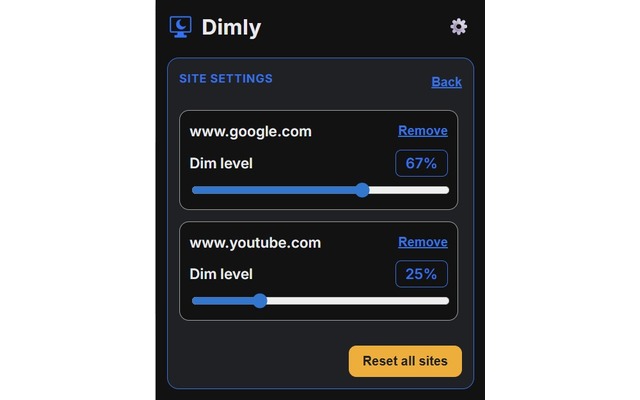
Explore how Dimly's interface adapts to your routine, from scheduled wind-downs to site-specific overrides.
Set it once, reuse it everywhere
Save presets for focus work, late-night reading, or collaborative demos and switch in a click.
Dimly overlays the current tab without touching the page itself, so design tools, terminals, and media players stay intact.
Access your saved presets in seconds from the popup so you can keep working without breaking your flow.
Sync your brightness preferences across machines through Chrome’s built-in profile sync, so no extra account is required.
Always in control
The extension runs entirely in your browser, with no tracking scripts, no accounts, just calm light you can trust. Dive into the code, file issues, or contribute improvements anytime.